Web library v1.6.0
Added support for the new Rich message formats.
Carousel
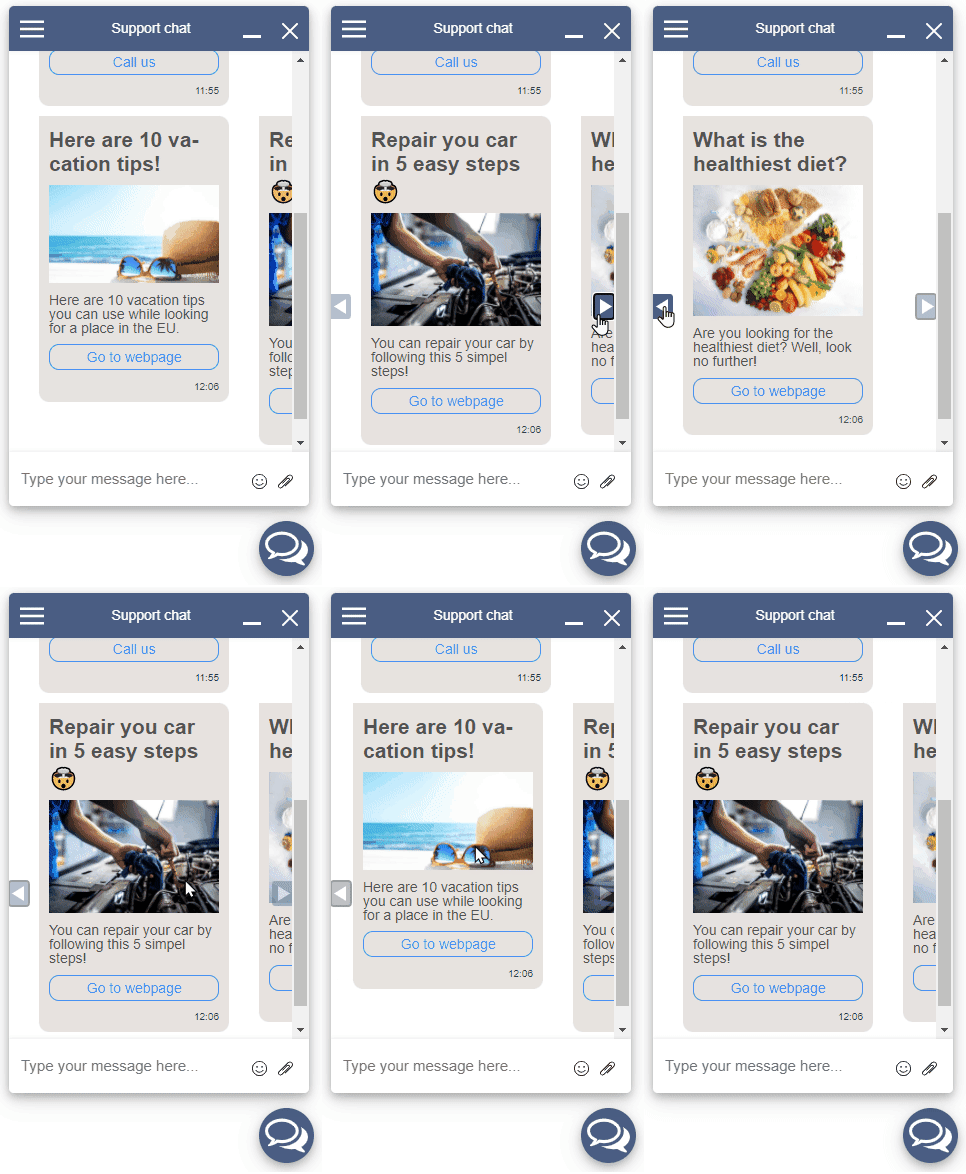
Carousel can now be viewed interactively by the client. With navigation buttons to scroll left and right. You can also scroll natively with your mouse using your horizontal scroll function (SHIFT+scroll on windows). Carousels can contain anything a normal message contains, so stuff like images, buttons, titles. For more information on what you can send to the client, take a look at the Service API documentation
Buttons
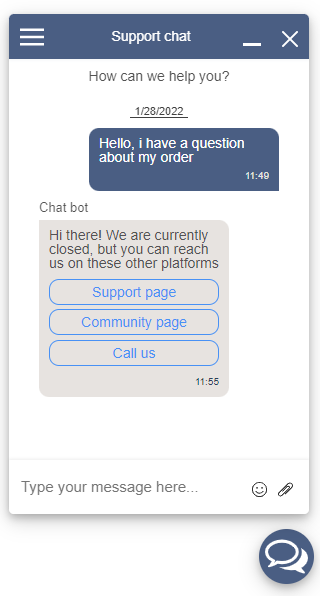
Buttons are now visible and can be clicked by the client. There are 3 types of buttons:
webUrl: When clicked it will navigate the client to a new webpage urlphoneNumber: When clicked it will start the OS's call app to call a phone numberreply: When clicked, the text will be sent by the client as a new message